
FAQ - Frequently Asked Questions
Account: Change Your Email Address.
How to: Change Your Email Address.
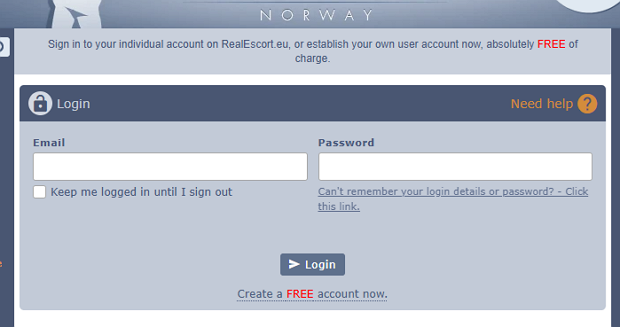
First, sign in to your account.
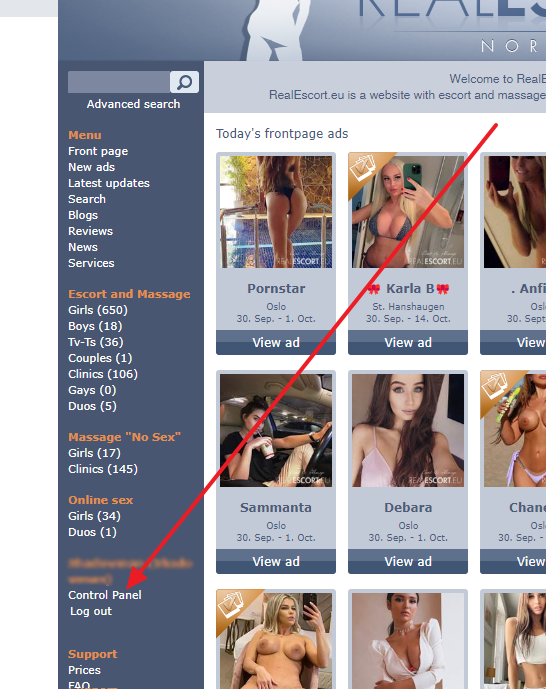
Next, select the "Dashboard".
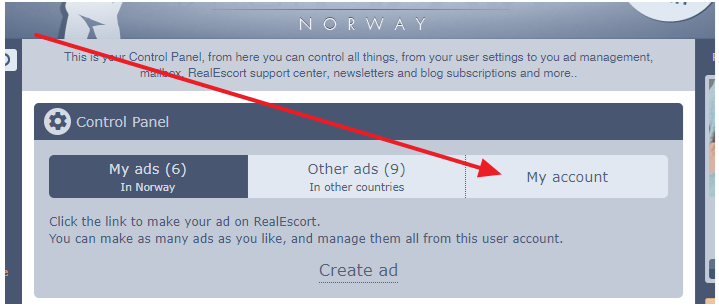
Proceed by clicking on "My Account".
Afterwards, select "Edit User Settings".
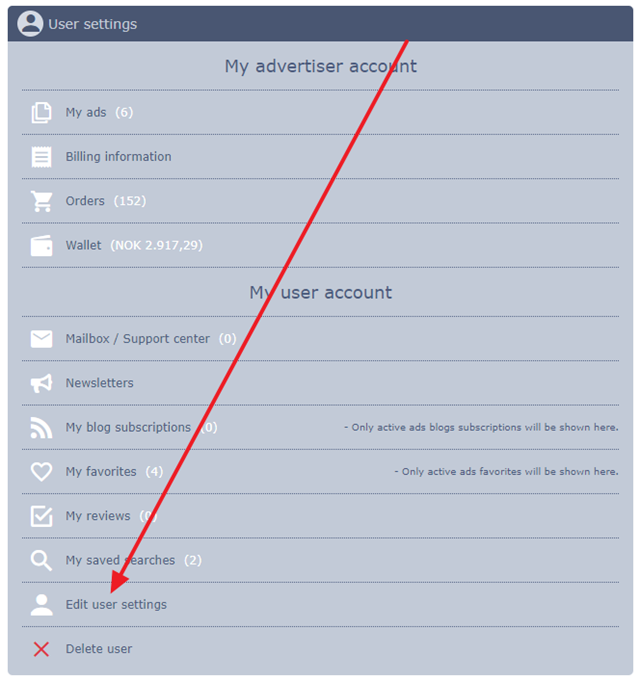
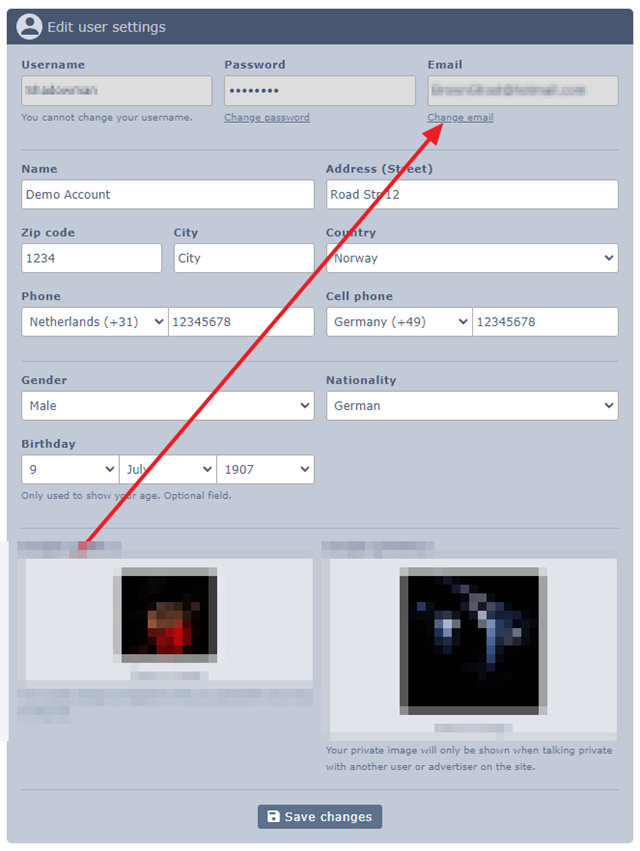
Here, you have the option to update all your user details, such as email and password, name, address, and more.
First, sign in to your account.
Next, select the "Dashboard".
Proceed by clicking on "My Account".
Afterwards, select "Edit User Settings".
Here, you have the option to update all your user details, such as email and password, name, address, and more.